1.4.5.8.
PARTapplicationServer
Set up as a service
1.4.5.8.1. Restart the AppServer service
|  |
| Prev | Next |
Certain actions can also be performed on the client side and require a restart of the AppServer service.
To do this, follow these steps:
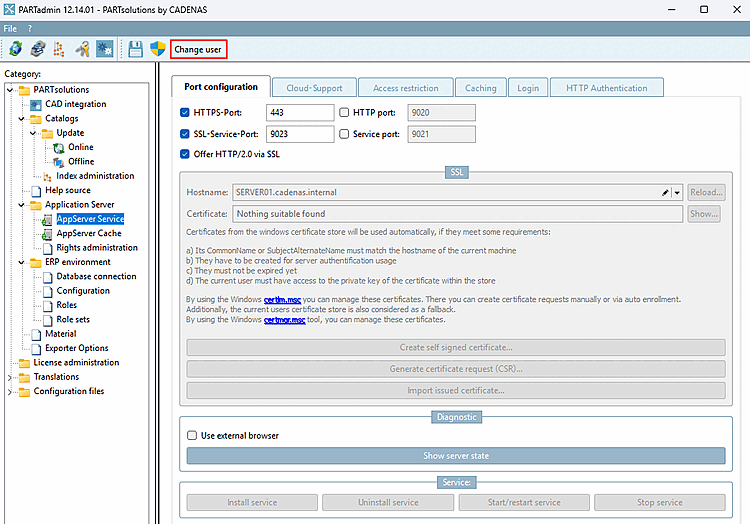
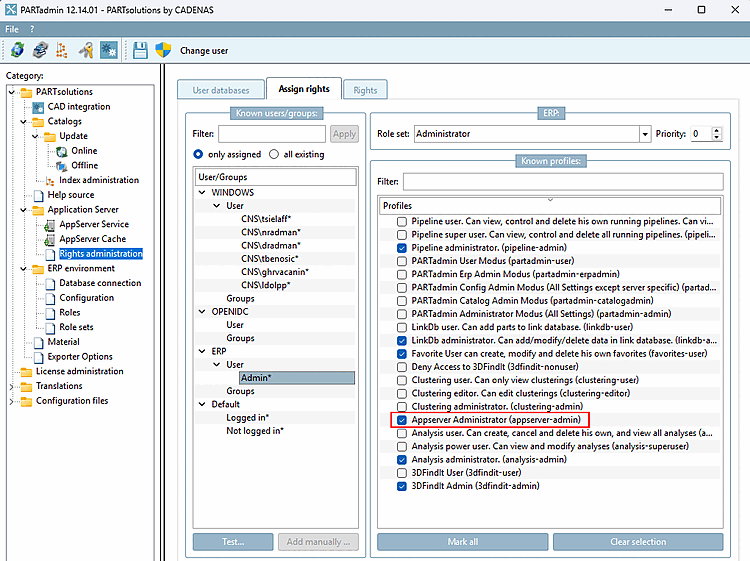
Click the " Change User [Change user]" button to select a user with the appropriate administrative rights (App Server Administrator (appserver-admin)).
Permissions Management [Rights administration] > Tabbed page "Permissions Assignment [Assign rights]" > Profiles > App Server Administrator (appserver-admin)
Click at the top of the icon
 Starts the program with
Administrator privileges new [Restart the program with administrative privileges].
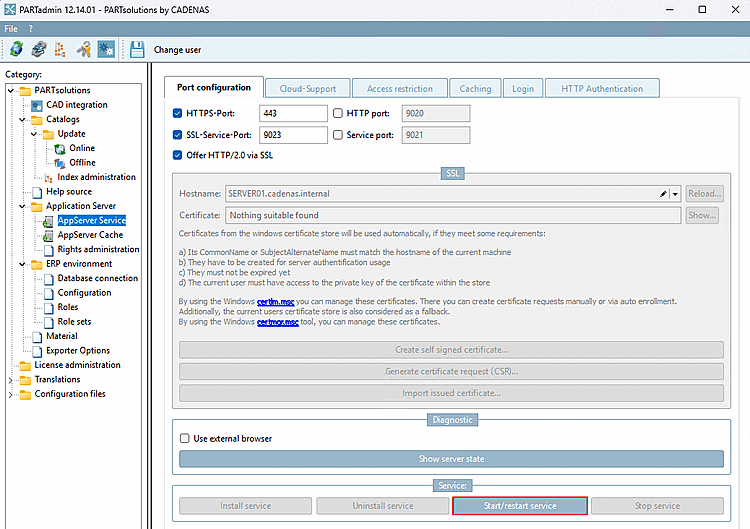
To restart the AppServer service, click the " " button. The three other buttons are not available on the client side.