5.12.18.1. Call

  • 3Dfindit

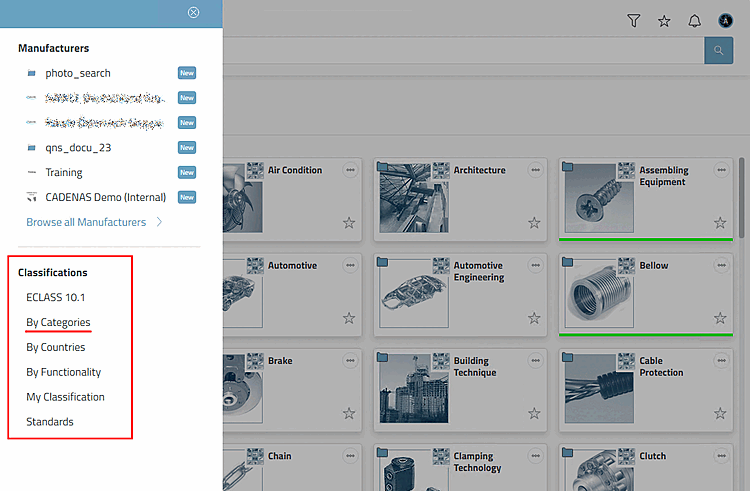
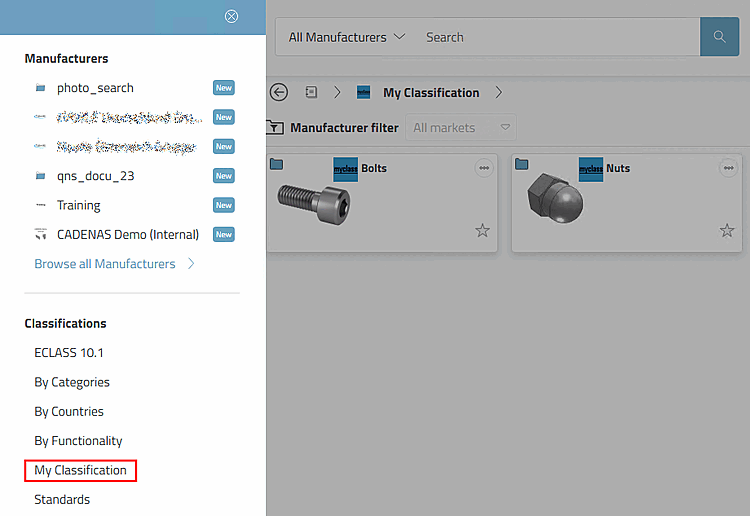
    In 3Dfindit, call up the side menu via the browse [Browse] icon. All classifications are displayed there. This also applies to a self-created classification (here "My Classification" as an example).

    Example: Own classification "My Classification" in 3Dfindit

    Example: Own classification "My Classification" in 3Dfindit

    Example: Classification "By Categories" in 3Dfindit

    Example: Classification "By Categories" in 3Dfindit

  • PARTdataManager

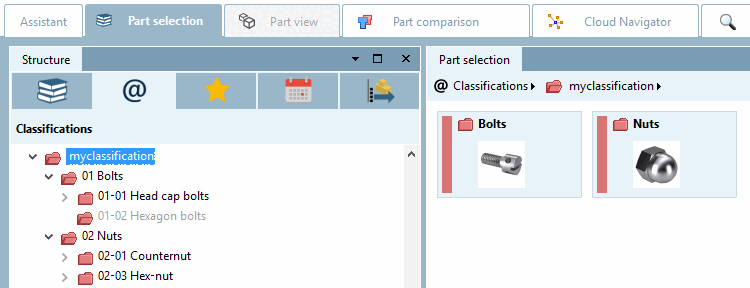
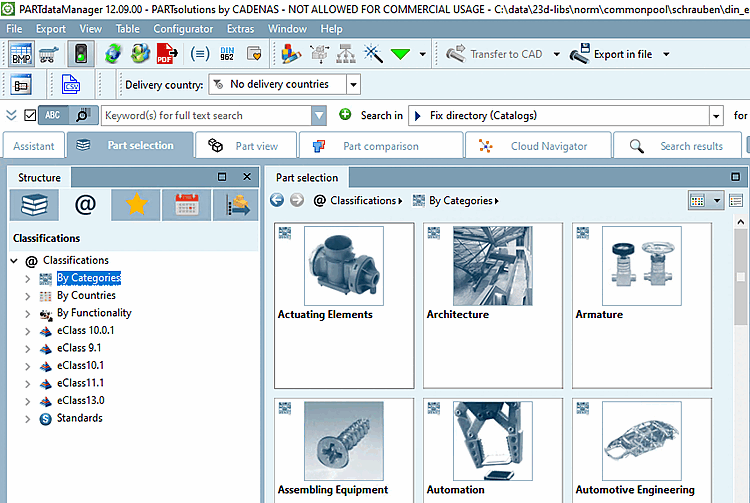
    In PARTdataManager classifications are displayed under Part selection > Tabbed page Classifications. This also applies to a self-created classification (here "myclassification" as an example).

    Example: Own classification "myclassification" in PARTdataManager

    Example: Own classification "myclassification" in PARTdataManager

    Example: Classification "By Categories" in PARTdataManager

    Example: Classification "By Categories" in PARTdataManager