

The favorites functionality in ENTERPRISE 3Dfindit includes the ability to set favorites on all catalog levels (root element, directories, subdirectories, part families, table rows) and to create personal lists (structures) from which the respective favorite can be called.
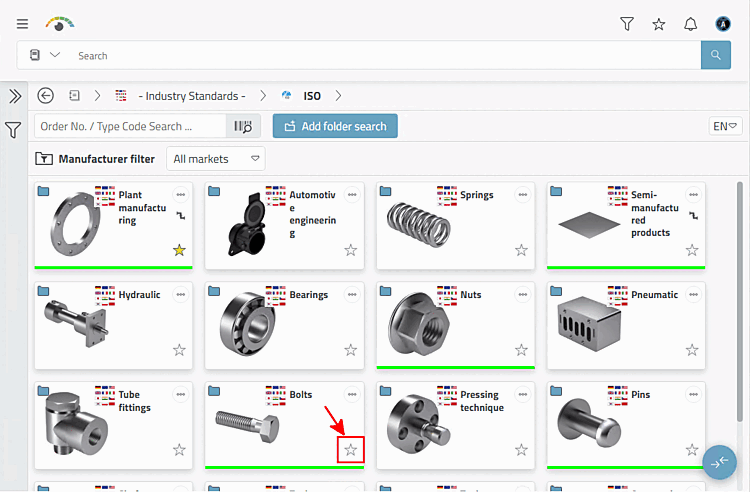

![The "Favorites [Favorites]" item is displayed in the menu bar.](https://webapi.partcommunity.com/service/help/latest/pages/jp/ecatalogsolutions/doc/resources/img/img_a5a6073b9c9b4954a8458b3617041265.png)
The following requirements must be met:
Permission to use the favorites functionality [Favorites] at user/group level.
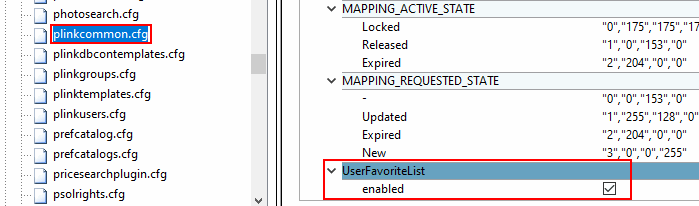
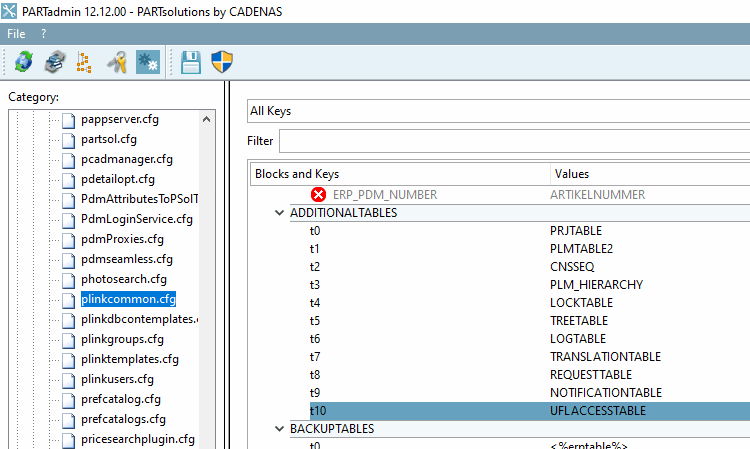
$CADENAS/SETUP/plinkcommon.cfg> Keyenabled> block UseFavoriteList: Set the value to "true" or select the checkbox.For an existing link database (not a new installation), the following SQL scripts supplied must be executed to create the required tables.
Start the
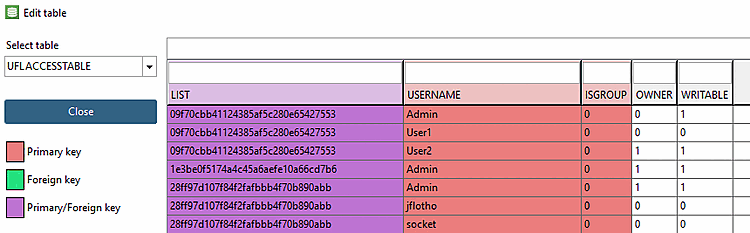
pappserverservice as soon as all Changes have been made.Info: Table for saving the favorites lists
![PARTadmin > Category PARTsolutions > Application Server > Rights management [Rights administration] > Rights assignment [Assign rights] > Profiles](https://webapi.partcommunity.com/service/help/latest/pages/jp/ecatalogsolutions/doc/resources/img/img_f20b2b61744541d3b1be8c1d06390de1.png)
In the 3Dfindit manual, in the Section 8.2, “ Favorites ” in ENTERPRISE 3Dfindit - User chapter, you will find information on how to use it.